


You already shoot job photos on your phone. Connecting Instagram to Facebook is a one-time setup so those photos can go to both places, and so messages do not hide in a second app you never open.
For a contractor, the win is operational: one business identity, one inbox, less duplicate work. Skip ads setup. You do not need a paid social campaign to make the connection worth doing.
What to connect (and what not to)
- ·Instagram should be a professional account (Business or Creator). A personal creator hobby grid is the wrong object.
- ·Facebook should be your company Page. Create the Page first if it does not exist.
- ·Do not link Instagram to your personal Facebook profile. You will miss Page tools, a clean inbox, and the right public identity.
You need admin access on the Page and login access on the Instagram account. If an old marketing person still owns Instagram, recover it before you connect anything. Connecting a Page you do not control to an Instagram you do not control creates a mess.
Connect from the Instagram app
This is the fastest path when you are on a jobsite Wi-Fi or at the shop.
"Link the Page, then assign an inbox owner. A connected account with nobody watching DMs is still a leak."
- 01 Open Instagram. Tap your profile picture in the bottom right.
- 02 Tap the three lines (top right), then Settings and activity (or Settings and privacy, depending on the app version).
- 03 Tap Accounts Center at the top.
- 04 Tap Accounts, then Add accounts.
- 05 Choose Facebook and log in as the person who admins the company Page.
- 06 Select the company Page, not your personal profile. Confirm.
- 07 Review what you want to share (name, profile photo). You can keep them independent if the logo treatments differ.
Connect from a computer (Meta Business Suite)
- 01 Go to business.facebook.com and open the company Page.
- 02 Open Settings, then Accounts Center (sometimes under Business settings > Accounts).
- 03 Add the Instagram account and confirm on the phone if Meta sends a prompt.
- 04 In Business Suite, confirm both the Page and Instagram appear under Accounts.
Meta moves these menus. If a label changed, search inside Settings for "Accounts Center." That hub is still the connection, not a third-party scheduler.
Turn on the two features that save time
Cross-posting
When you post a feed item on Instagram, choose to also share to the Facebook Page. Check the box the first few times so you learn which photos look cropped on a Page cover vs a square grid. Stories can share too. Reels sharing is optional; a 15-second condenser clip is useful, a 90-second talking-head often is not.
Inbox
Open Meta Business Suite on your phone. Messages from Facebook and Instagram should land in one inbox. Assign one person in the office to check it twice a day. A DM about a reroof that sits until Thursday is a lost estimate.
"Link the Page, then assign an inbox owner. A connected account with nobody watching DMs is still a leak."
If something breaks
- ·Instagram is still Personal: Profile > professional dashboard > switch to Business. Then reconnect.
- ·You see two Facebook Pages: pick the one whose name and phone match Google Business Profile. Unlink the other.
- ·Cross-post checkbox missing: the Page and Instagram must share Accounts Center, and you must be posting from the professional account, not a personal fallback.
- ·Old employee still receives Page emails: Business Suite > Settings > People. Remove them the same day.
- ·Login 2FA on a personal phone you no longer have: recover Facebook first, then Instagram. Do not create a second Page to work around it.
After it is connected
- ·Put the same phone number and website on Instagram bio, Facebook Page, Google Business Profile, and the site. Mismatched NAP looks sloppy and hurts local SEO.
- ·Use job photos here and on the Google profile. Social is proof. The Map Pack is where many callers still start.
- ·Do not buy a posting package of quote graphics. Post finished work with the city in the caption. See social media for small businesses.
We connected the accounts and cross-posting still fails. What now?
Confirm Instagram is Professional, the Facebook object is a Page, and the same person is admin on both. Remove the connection in Accounts Center, wait ten minutes, and add it again. If a former employee is still an Instagram admin, they can break sharing without you seeing why.
Put this into practice
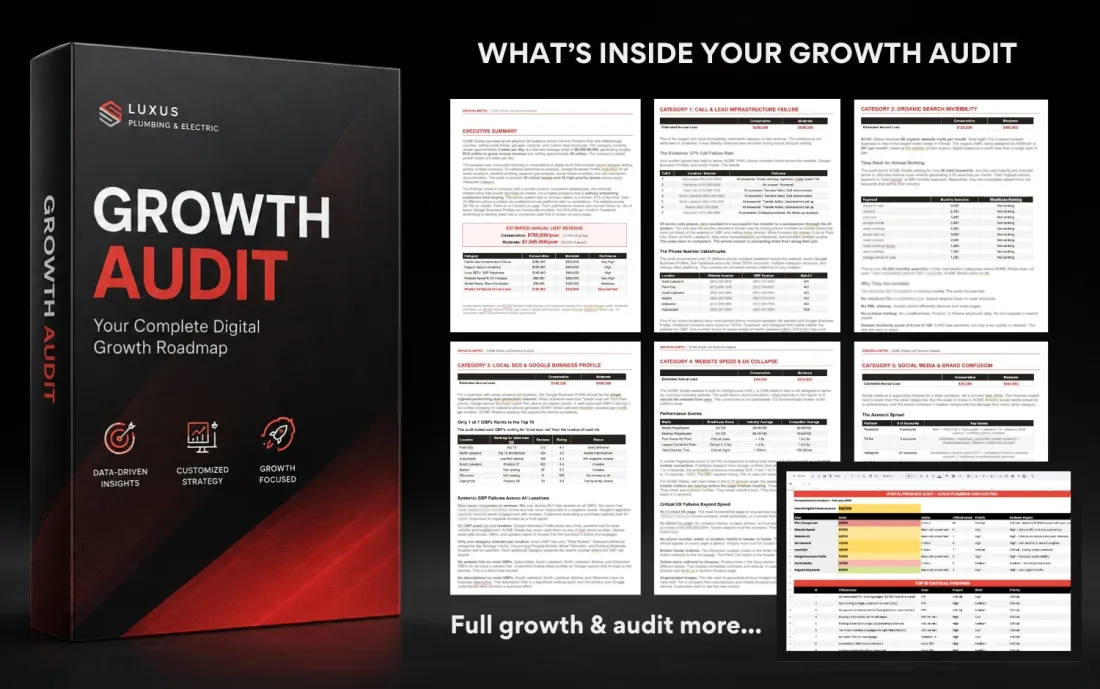
Connecting apps does not fill the schedule. Local SEO and Google Ads do that work. The $1,000 Growth Audit shows which channel is leaking. Book a strategy call at (813) 328-6341.
Get a real diagnosis of your business.
A seven-layer review of your SEO, Google Ads, website, and Map Pack presence, delivered as a written report within 72 hours. It's $1,000 and it always credits toward any work you do with us. If we don't find $100,000 in missed revenue, we refund it.
Get the Growth Audit