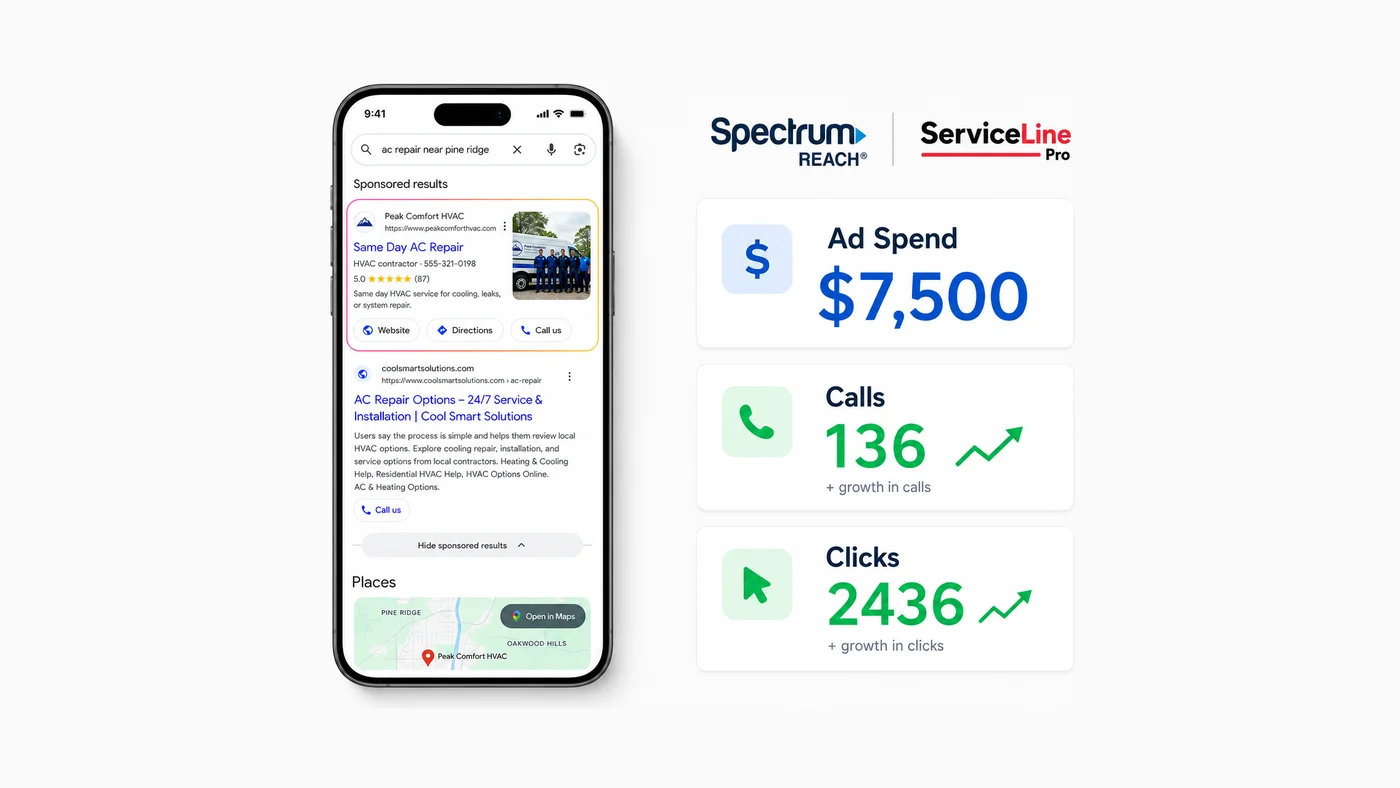
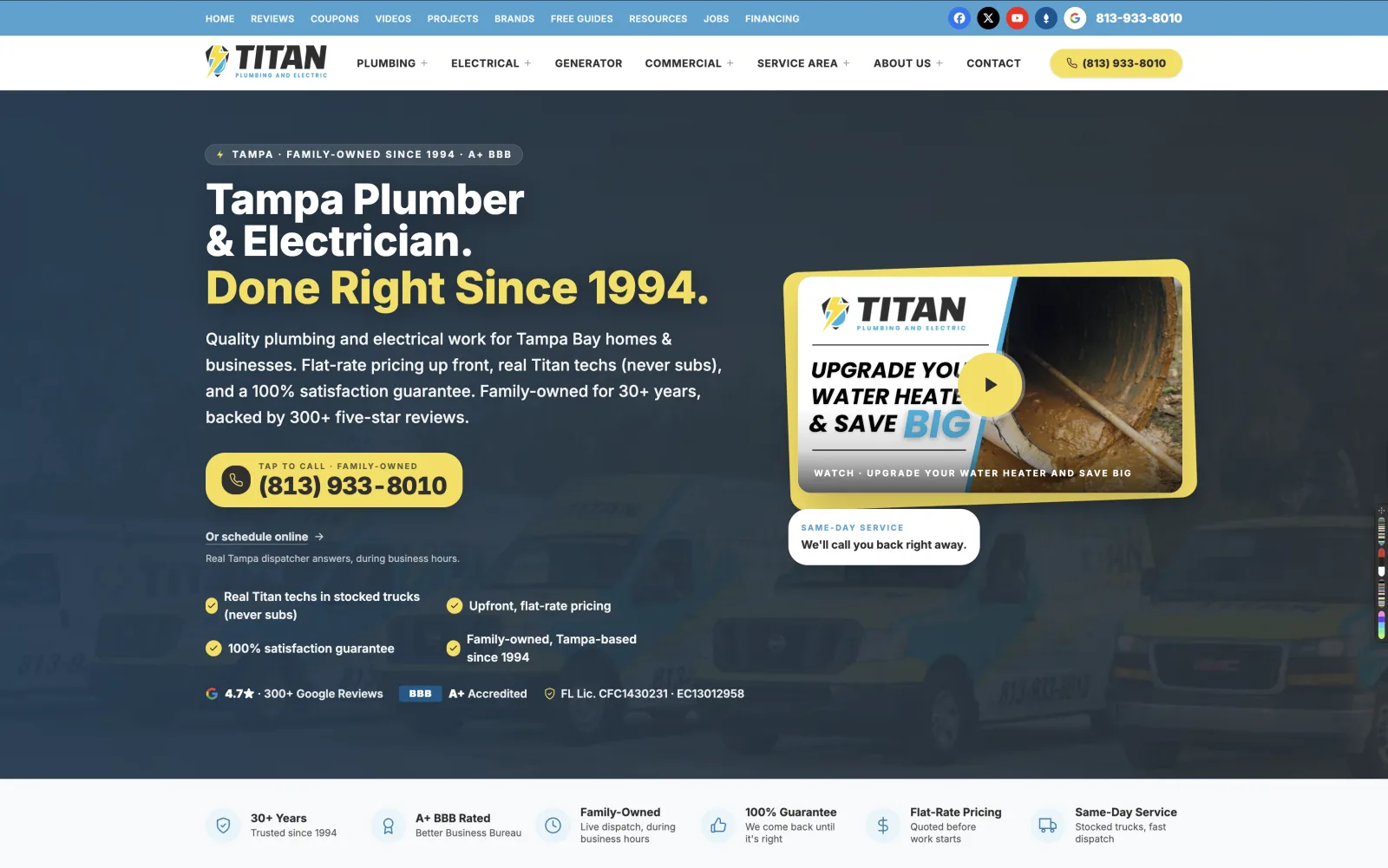






You search your company name. Nothing. You search "plumber near me," "AC repair [city]," or "roof leak repair." Competitors show up in the Map Pack while your phone stays quiet. If you are asking why your Google Business Profile is not showing up, you are dealing with lost calls, missed estimates, and jobs going to the shop down the road.
For contractors this is usually not random. Visibility breaks for a handful of predictable reasons: unfinished verification, a pending edit, a duplicate, a suspension, or a service-area setup that tells Google the wrong thing about where you work. Multi-location HVAC, plumbing, electrical, and roofing companies get hit harder because bulk changes and new locations create problems single-shop guides skip.
First check: is the profile verified and live?
Most owners jump to rankings. That is backwards. Google will not show an unverified profile in local search or Maps. Open the dashboard and look for a prompt to verify, complete a step, or respond to a request. Then search your exact business name in Google Maps while logged out or in incognito. That is what customers see.
- 01 Look for "Verify now" or a similar notice. Stop there and complete it first.
- 02 If you recently changed name, address, or category, Google may still be processing the edit.
- 03 Confirm you are checking the correct location. Multi-location logins often attach to the wrong pin.
- 04 Review ownership. An old employee, franchise coordinator, or agency may hold the only admin seat.
"If the profile is not verified, nothing else matters yet."
A profile can exist in the dashboard and still not be public. Home-office, warehouse-dispatch, and multi-city crews trigger extra checks when the address and service area conflict. Match the listing to how the business actually operates.
"If the profile is not verified, nothing else matters yet."
The same gap shows up for a professional office. A financial advisor in Wesley Chapel can have a real suite and still stay invisible in Maps when the profile is not verified. The website does not replace the listing, but the address on the site has to match the listing.
Silent guideline problems
DataForSEO Content Analysis on "google business profile not showing" is mostly negative. Owners are not confused about theory. They are locked out. US contractor posts keep naming the same silent issues: keyword stuffing in the business name, a virtual office that does not match dispatch, and services listed that the shop does not run. Google often gives no warning. The profile just stops showing.
- ·Remove city and service words from the business name. Use the legal or DBA name only.
- ·Do not list a coworking address you never visit.
- ·Drop secondary categories and services you cannot staff this month.
- ·Stop daily category changes while an edit or appeal is open.
If it used to show and then vanished: suspension or duplicate
A listing that disappeared after an edit is often a suspension or a duplicate merge. Common triggers: stuffing keywords into the business name, creating a second listing for a nearby city, changing address too often, or mismatched NAP across the web. Open the dashboard for a suspension notice and follow Google's reinstatement form. Do not create a new profile to "start over." That usually makes two problems.
Search your legal name, DBA, old name, and phone number. If two pins exist, mark the duplicate and request a merge. Keep the listing that has the reviews.
Service-area and address mistakes
Service-area businesses can hide the address, but Google still needs a real servicing address that matches verification. Claiming an entire state, or listing a virtual office you never visit, is a frequent reason the profile fails to show for nearby searches. Tighten the service area to cities you actually dispatch. Put the real address on the site, citations, and the profile in the same format.
Reinstatement, without making it worse
- 01 Read the dashboard notice. Screenshot it.
- 02 Fix the policy issue first: remove keywords from the business name, stop the extra city listing, restore a real address.
- 03 Submit the reinstatement form. One appeal. Wait.
- 04 Do not create a third profile. Do not change the primary category every day while Google reviews.
- 05 After it returns, freeze core fields for a few weeks. Then resume photos and posts.
Verified and still invisible for "near me"
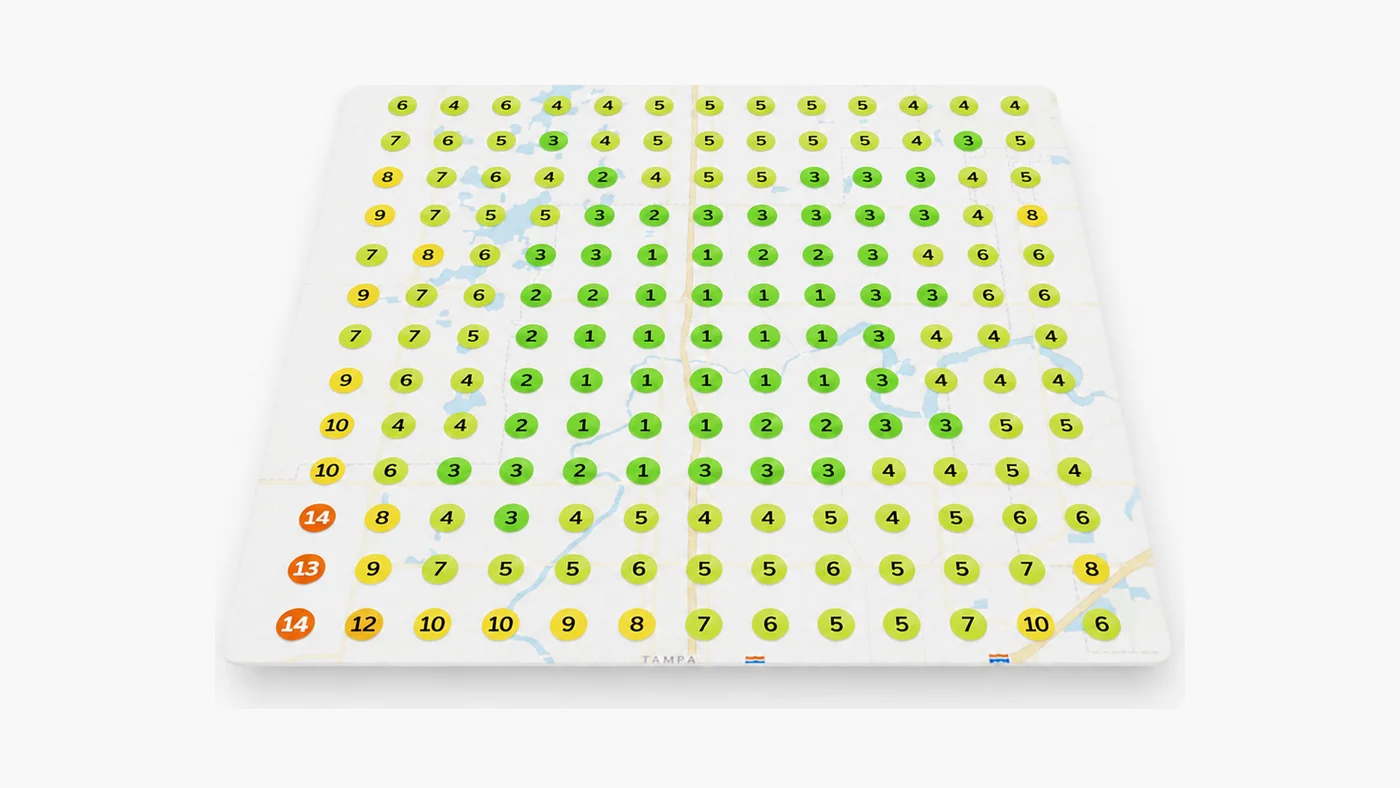
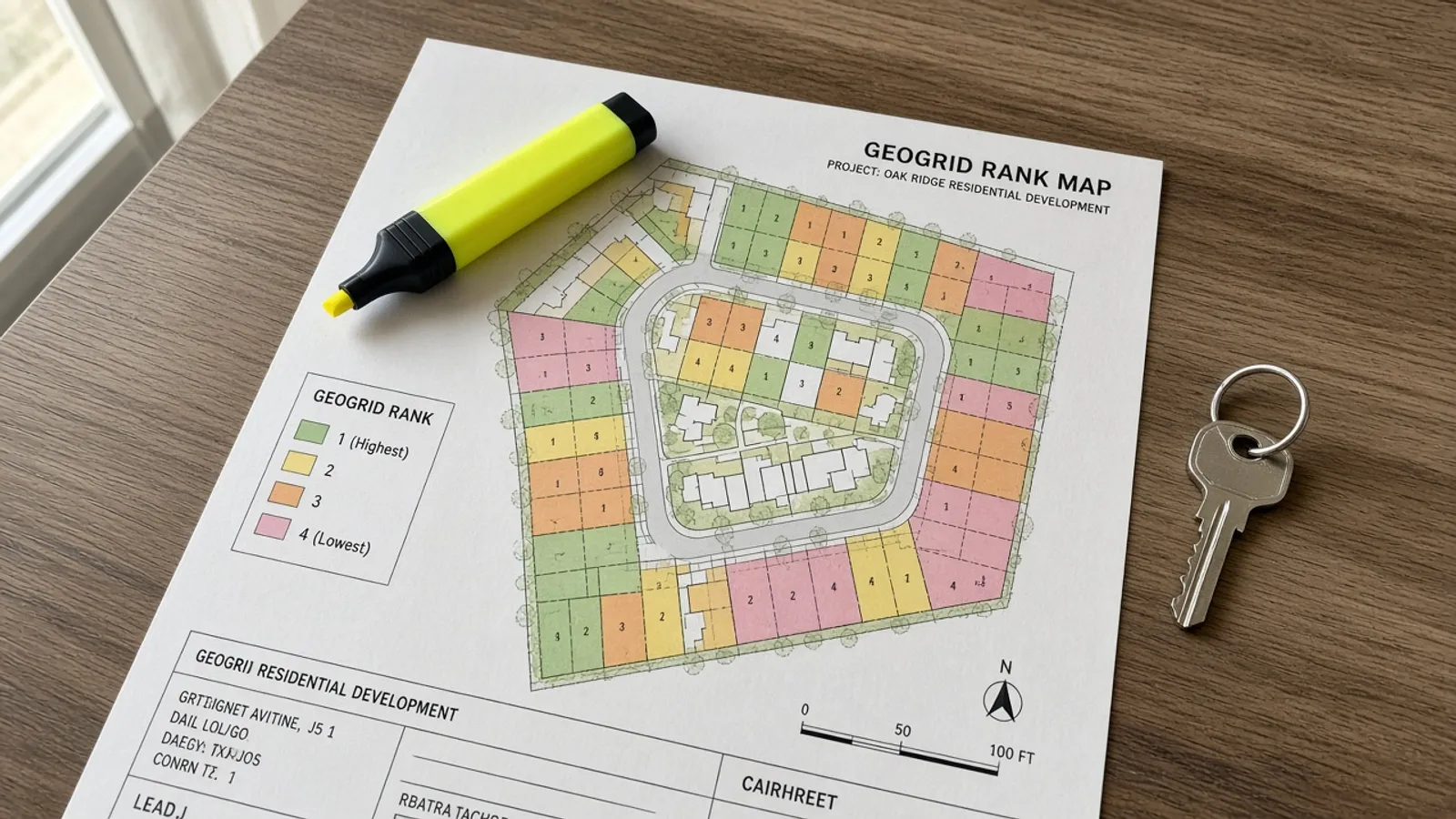
If branded search finds you but category searches do not, you have a ranking problem, not a visibility bug. Fix categories, services, photos, review velocity, and local pages. Track on a geogrid. Our how to rank in Google Maps sprint covers that work.
Maps search vs Google Search
Test both. Search the exact name in Google Maps while logged out. Then search the category plus city in regular Google. A profile can appear in Maps and still lose the three-pack on Search. That is ranking, not a missing listing. Photos, reviews from the last 30 days, and matching service pages on the site close that gap.
SEO campaigns include GBP diagnosis, geogrid tracking, and a 90-day Top-3 Map Pack target. If we miss the target, we keep working. The $1,000 Growth Audit includes a full GBP grid layer. Or book a strategy call at (813) 328-6341.
Frequently Asked Questions
Why is my Google Business Profile not showing up when I search my name?
Usually the profile is unverified, pending an edit, suspended, or you are looking at the wrong location login. Confirm verification in the dashboard, then search in incognito on Maps.
How long does Google Business Profile verification take?
Phone or email can finish the same day. Postcard takes one to two weeks. Video verification timing varies. Do not edit core fields while verification is in flight.
Can a suspended profile come back?
Often, if you follow the reinstatement process and fix the policy issue (keyword-stuffed name, duplicate, fake address). Creating a second listing usually delays recovery.
Why does my profile show in Maps but not in the Map Pack?
The listing is live. You are losing the rank contest. Categories, review velocity, photos, and local pages decide the three-pack, not a second profile.
Get a real diagnosis of your business.
A seven-layer review of your SEO, Google Ads, website, and Map Pack presence, delivered as a written report within 72 hours. It's $1,000 and it always credits toward any work you do with us. If we don't find $100,000 in missed revenue, we refund it.
Get the Growth Audit